
How to permanently delete files in Windows
Emptying the Recycle Bin doesn't erase anything: Windows only removes the file's name from the drive's index. To permanently delete a file, its contents have to be overwritten. Here's how.
The steps
With Evidence Wipe.
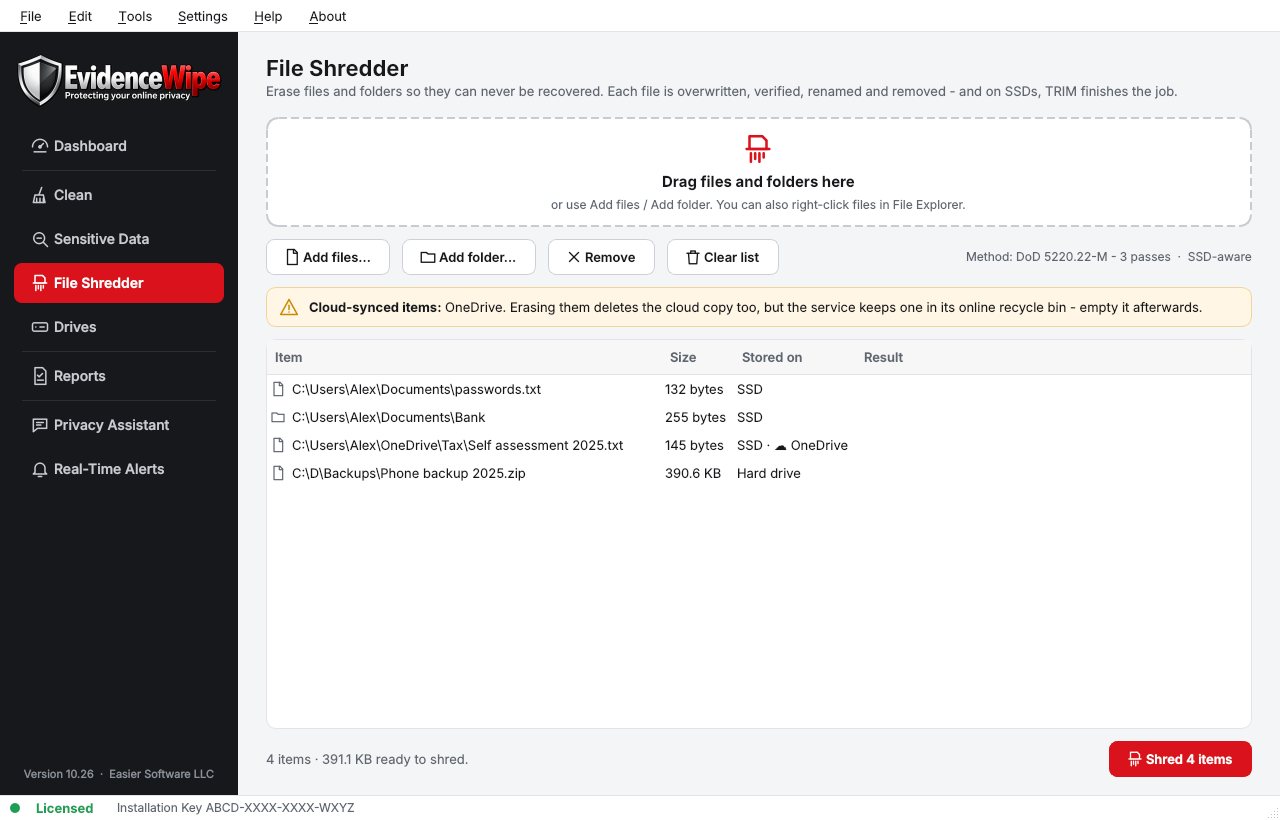
- 1. Shred the filesDrag them onto the File Shredder, or right-click and choose Shred with Evidence Wipe.
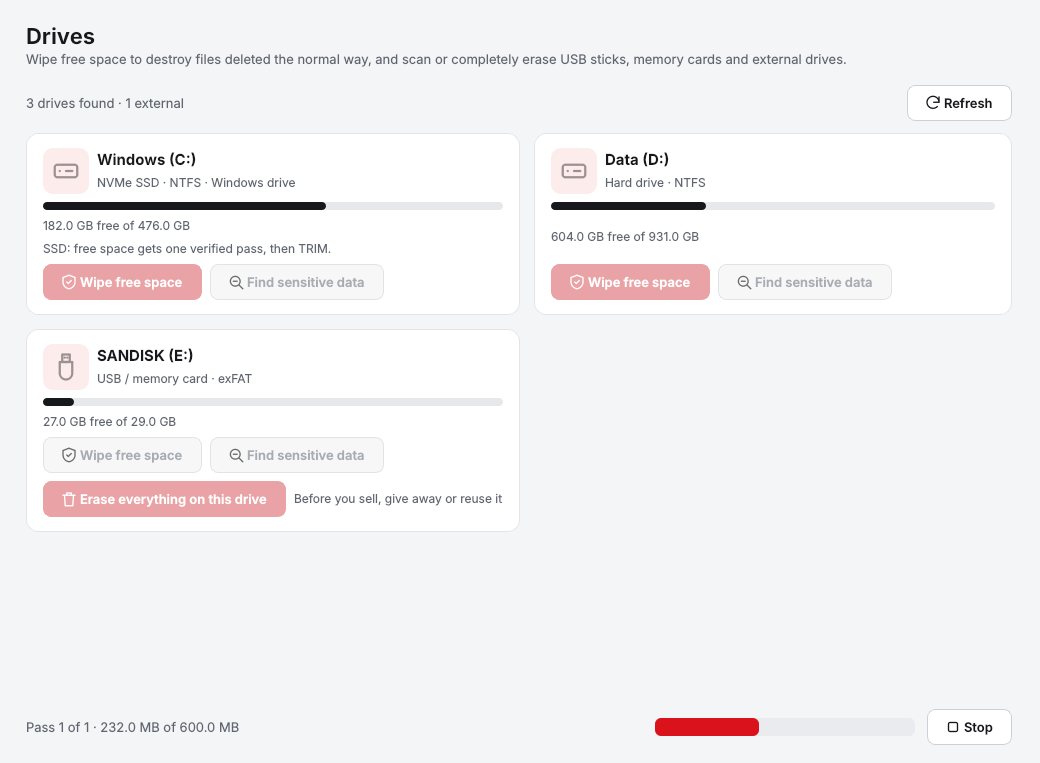
- 2. Wipe free spaceOn the Drives page, run Wipe Free Space to overwrite files deleted in the past.
- 3. Check cloud copiesSynced files are flagged. Erasing them deletes the cloud copy too; empty the service's online recycle bin afterwards.
- 4. Keep the reportThe verification report records what was erased.
In Evidence Wipe
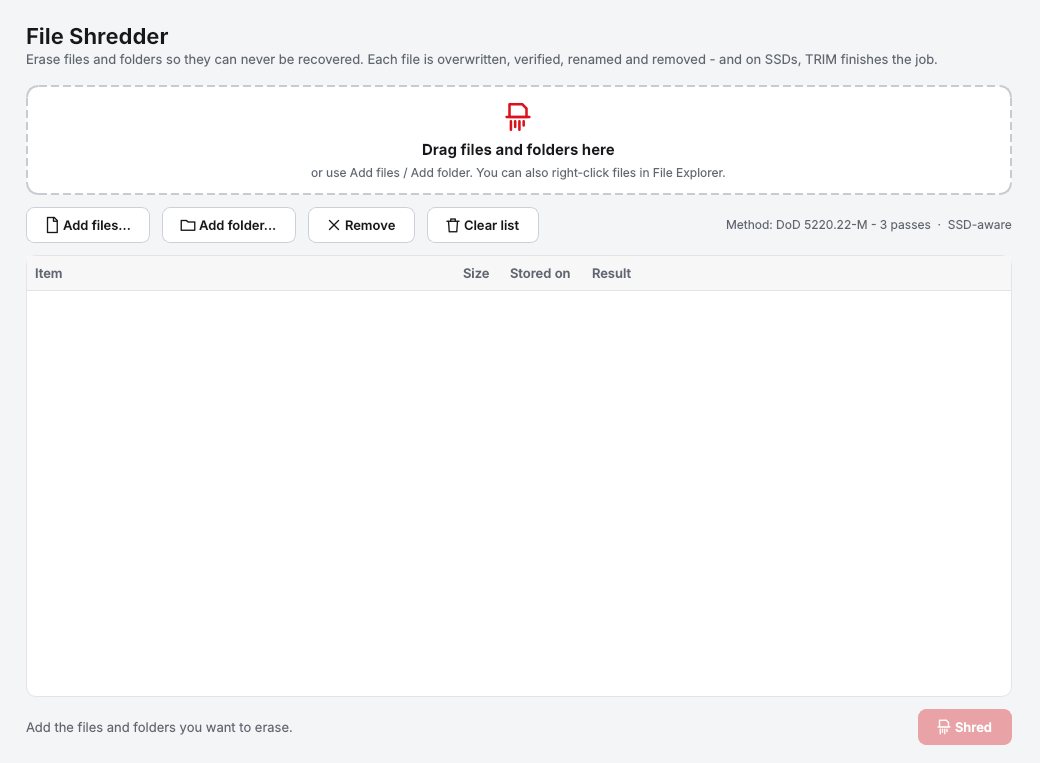
Choose the files
Drag files or folders onto the shredder, or right-click them in File Explorer and choose Shred with Evidence Wipe.
Confirm once
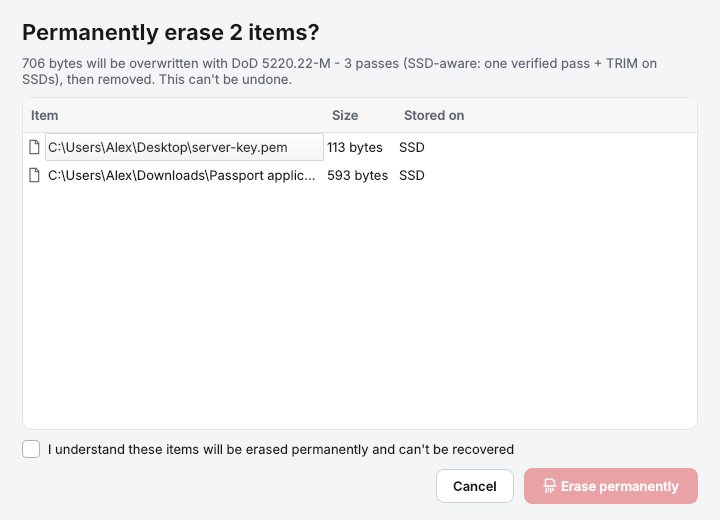
One confirmation, even for a whole selection. Important Windows folders are protected so you can't shred them by mistake.
Wipe free space
On the Drives page, run Wipe Free Space to overwrite the empty space where previously deleted files still sit.
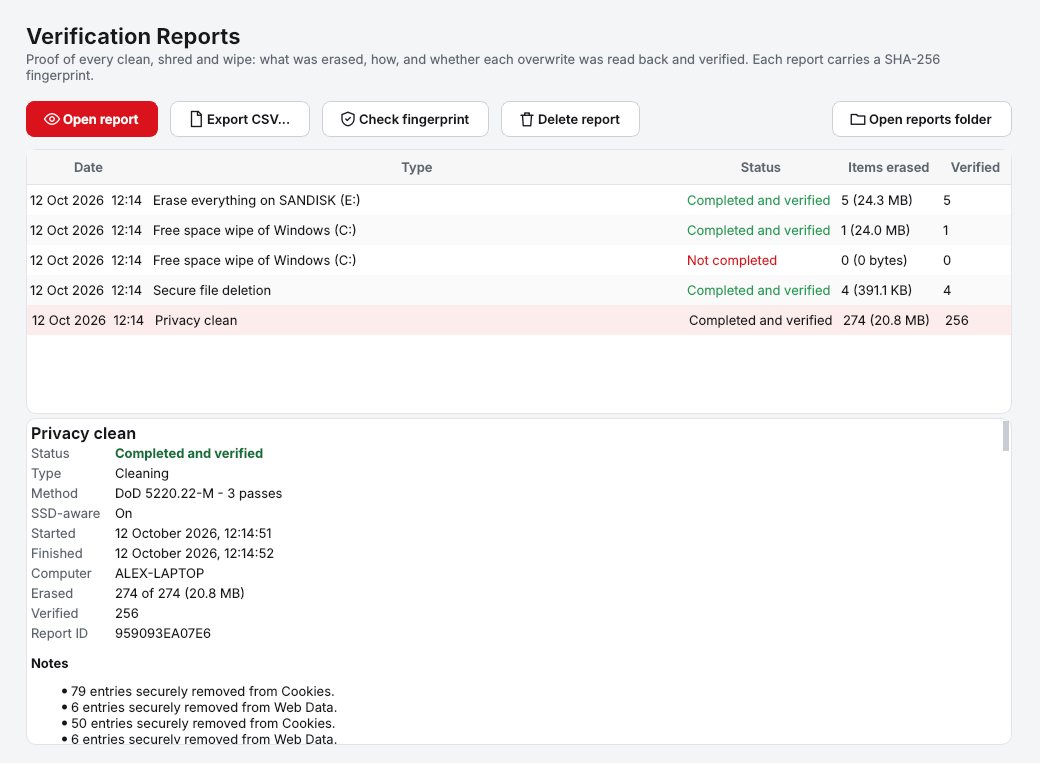
Keep the report
A verification report records what was erased, how and when, with a tamper-check fingerprint.
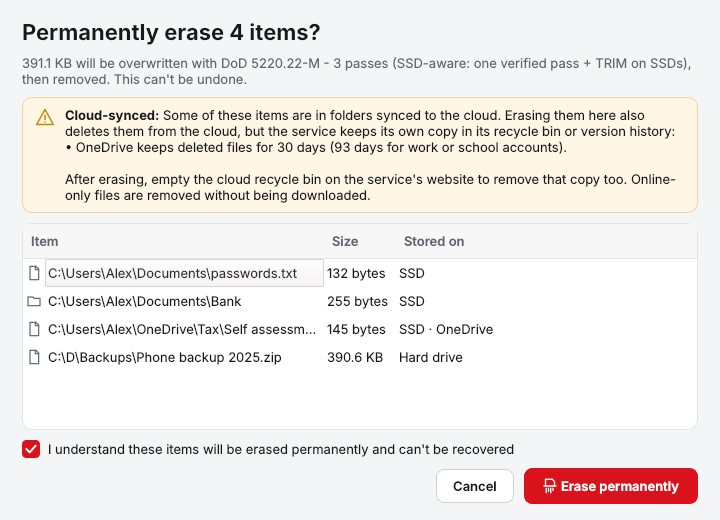
One clear confirmation
Shows the method, the drive type of each item and any cloud-synced files before anything is erased.
Why Evidence Wipe
Secure file shredder
Drag and drop files or folders, or right-click and choose Shred with Evidence Wipe. Contents are overwritten before deletion.
Wipe free space
Overwrites the empty space on a drive so files you deleted in the past can't be recovered. Your current files aren't touched.
SSD-aware erasure
Detects SSD, NVMe, hard drive or USB and picks the method: a verified overwrite plus TRIM on SSDs, DoD 5220.22-M or Gutmann on hard drives.
Verification reports
Every clean, shred and wipe produces a report of what was erased, how and when, with a tamper-check fingerprint. Export to CSV.
Who it's not for: Mac, Linux, iPhone or Android users. Evidence Wipe runs on 64-bit Windows 10 and 11.
One license. No subscription.
One-time payment · instant download
- PlatformWindows 10 & 11 (64-bit)
- FeaturesAll included
- UpdatesFree
- Activations1 PC
- Deliverydownload + key by email
Get Evidence Wipe
You'll go straight to your download page once payment is confirmed, and we'll email your download link and license key.
Buy license · $54.95Already bought it? Re-download or recover your key.