
Delete internet evidence from your PC
Your internet activity leaves evidence in more places than your browser history: cookies, cache, the downloads list, autofill, and the records Windows keeps of files you opened and things you searched for. Evidence Wipe finds it all and overwrites it.
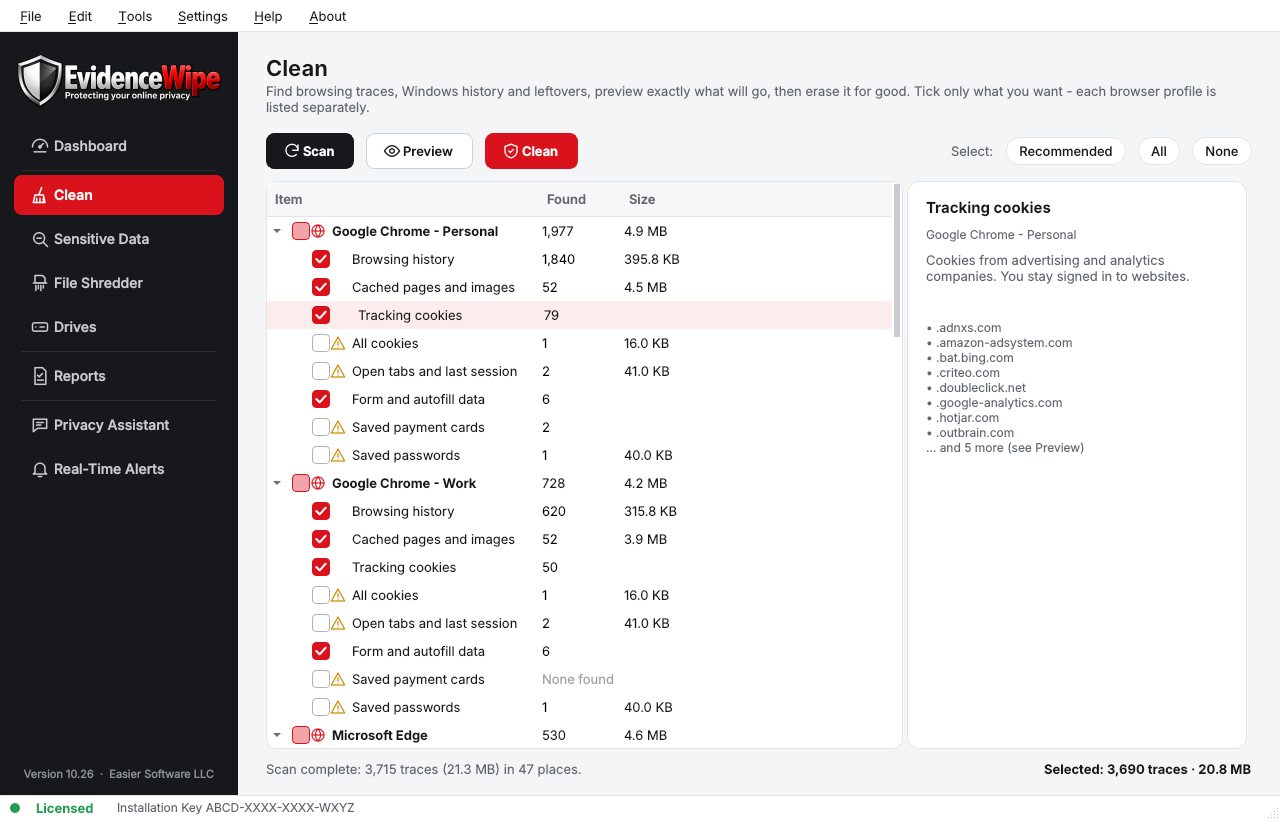
Internet evidence on a PC
Where Evidence Wipe looks.
- In the browserHistory, searches, cookies, cache, downloads list, autofill and session data.
- In WindowsRecent documents, jump lists, Activity History and thumbnail cache.
- Downloaded filesShred them, then wipe free space to remove earlier deletions.
Delete internet evidence in four steps
Scan
Evidence Wipe scans your browsers, Windows and drives and shows how much private data it found, with a privacy score on the dashboard.
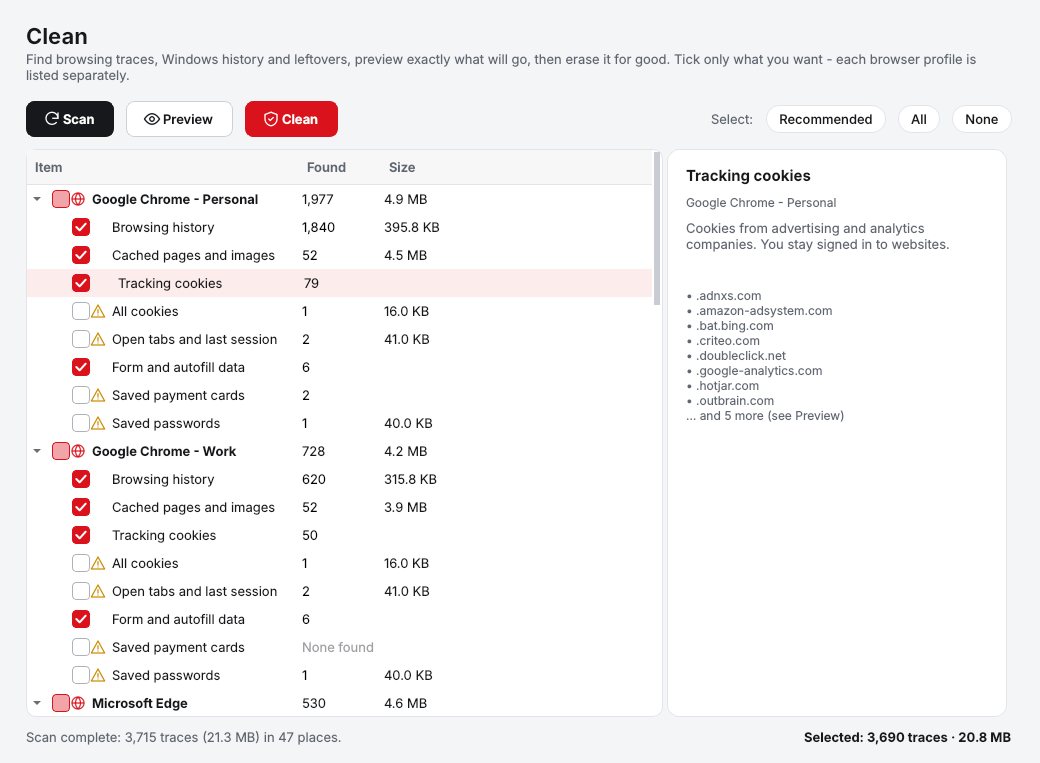
Preview and select
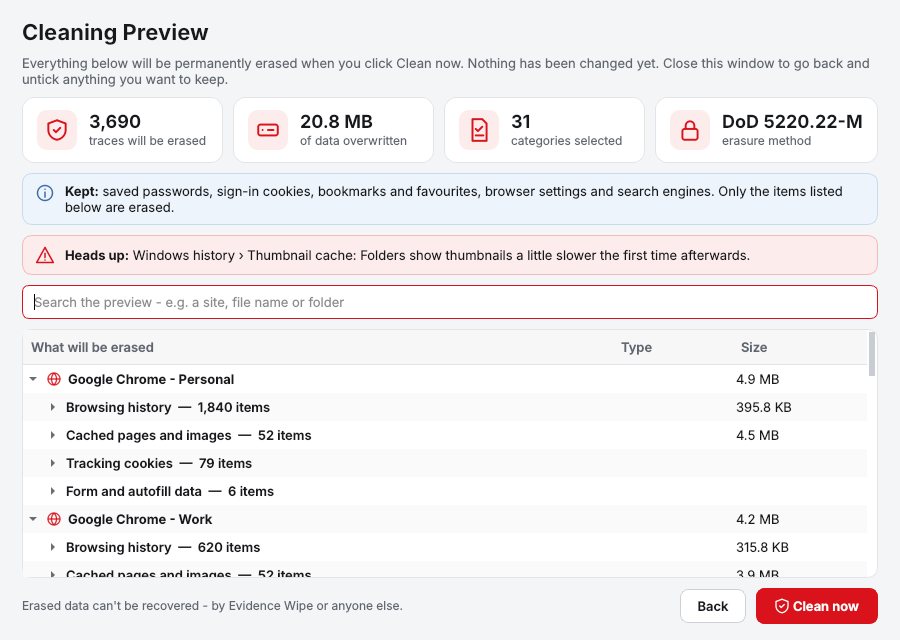
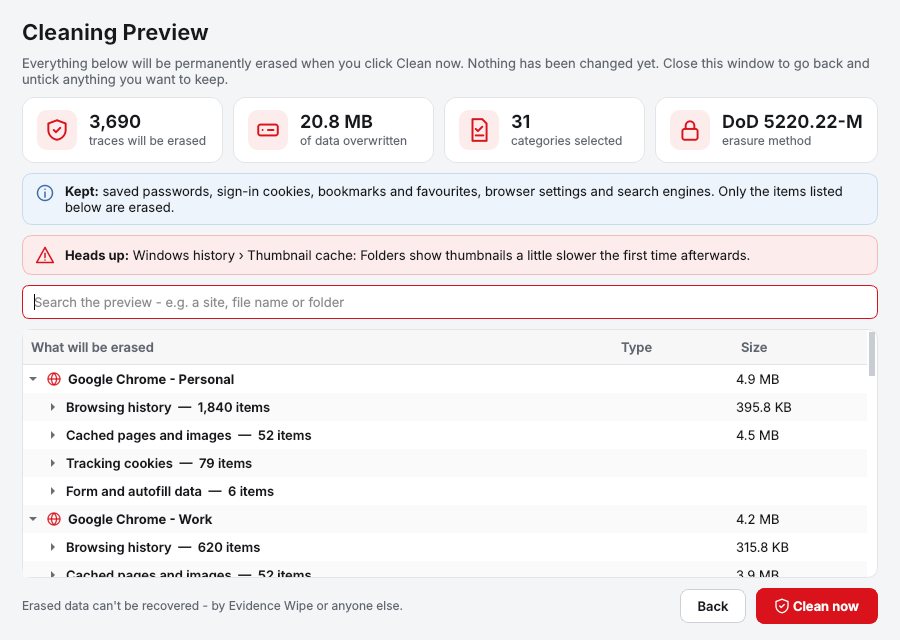
The Cleaning Preview lists every item that will be removed, grouped and sized. Untick anything you want to keep.
Securely erase
Click Clean. Data is overwritten using the right method for each drive, not just hidden.
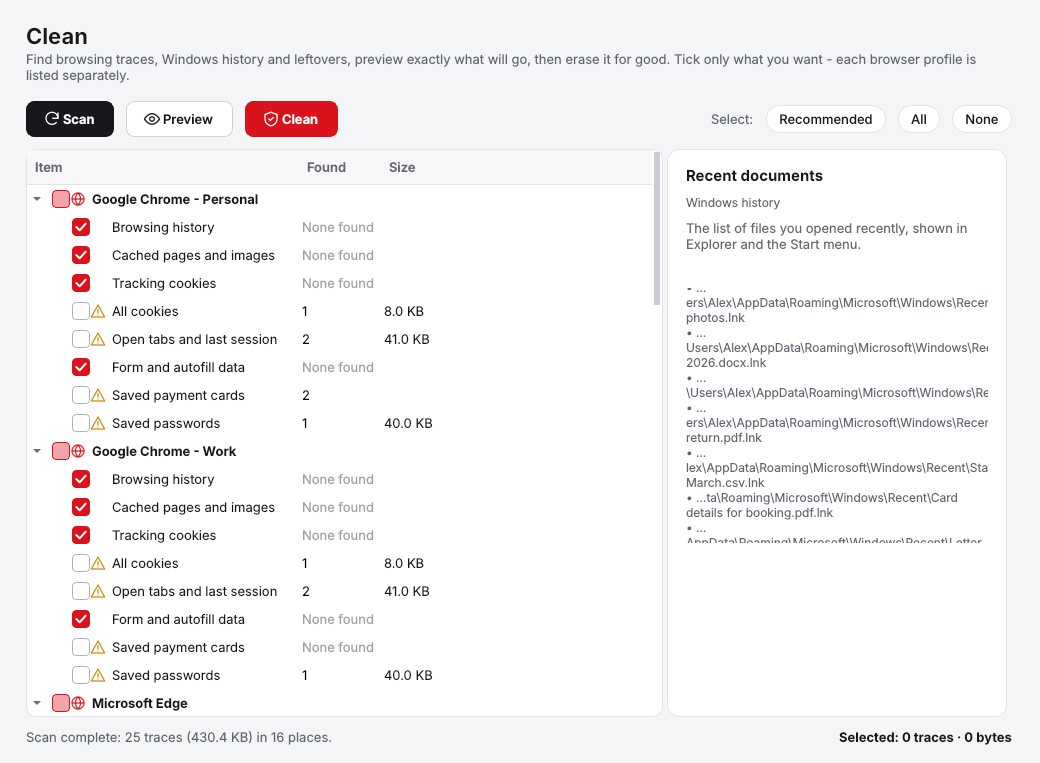
Schedule it
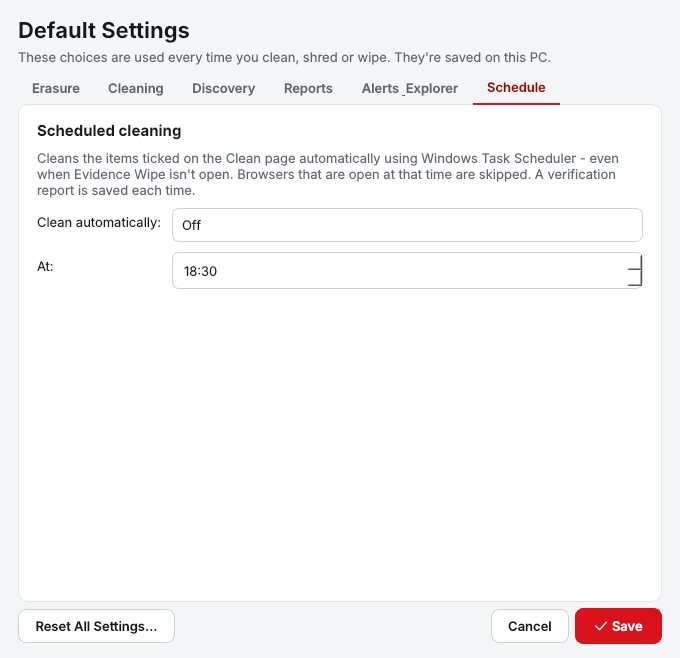
Clean automatically each day or week.
See it all before it goes
The Cleaning Preview lists everything that will be erased, grouped and sized, with a search box.
Why Evidence Wipe
Every browser, every profile
Chrome, Edge, Firefox, Brave, Opera and Vivaldi, plus Internet Explorer leftovers, each profile cleaned on its own. Bookmarks always stay.
Windows traces
Recent documents, jump lists, Run history, File Explorer searches, Activity History, Office recent files, thumbnail cache and Prefetch.
Cleaning Preview
See every browser entry, file and Windows item before anything is deleted. Search the list and untick what you want to keep.
Scheduled cleaning
Set it once and Evidence Wipe cleans automatically each day or week, with a report every time.
Who it's not for: Mac, Linux, iPhone or Android users. Evidence Wipe runs on 64-bit Windows 10 and 11.
One license. No subscription.
One-time payment · instant download
- PlatformWindows 10 & 11 (64-bit)
- FeaturesAll included
- UpdatesFree
- Activations1 PC
- Deliverydownload + key by email
Get Evidence Wipe
You'll go straight to your download page once payment is confirmed, and we'll email your download link and license key.
Buy license · $54.95Already bought it? Re-download or recover your key.
Internet evidence questions
Can I see what will be deleted before cleaning?
Will it delete my saved passwords or bookmarks?
Does Evidence Wipe upload my data?
Is it a one-time purchase?
More from Evidence Wipe
No internet evidence left behind
Browsers and Windows, cleaned and overwritten.
Buy license · $54.95