
Wipe free space so old deletions stay deleted
Files you deleted months ago are often still sitting in your drive's empty space, waiting to be recovered. Wipe Free Space overwrites that empty space, using the right method for each drive, without touching the files you have now.
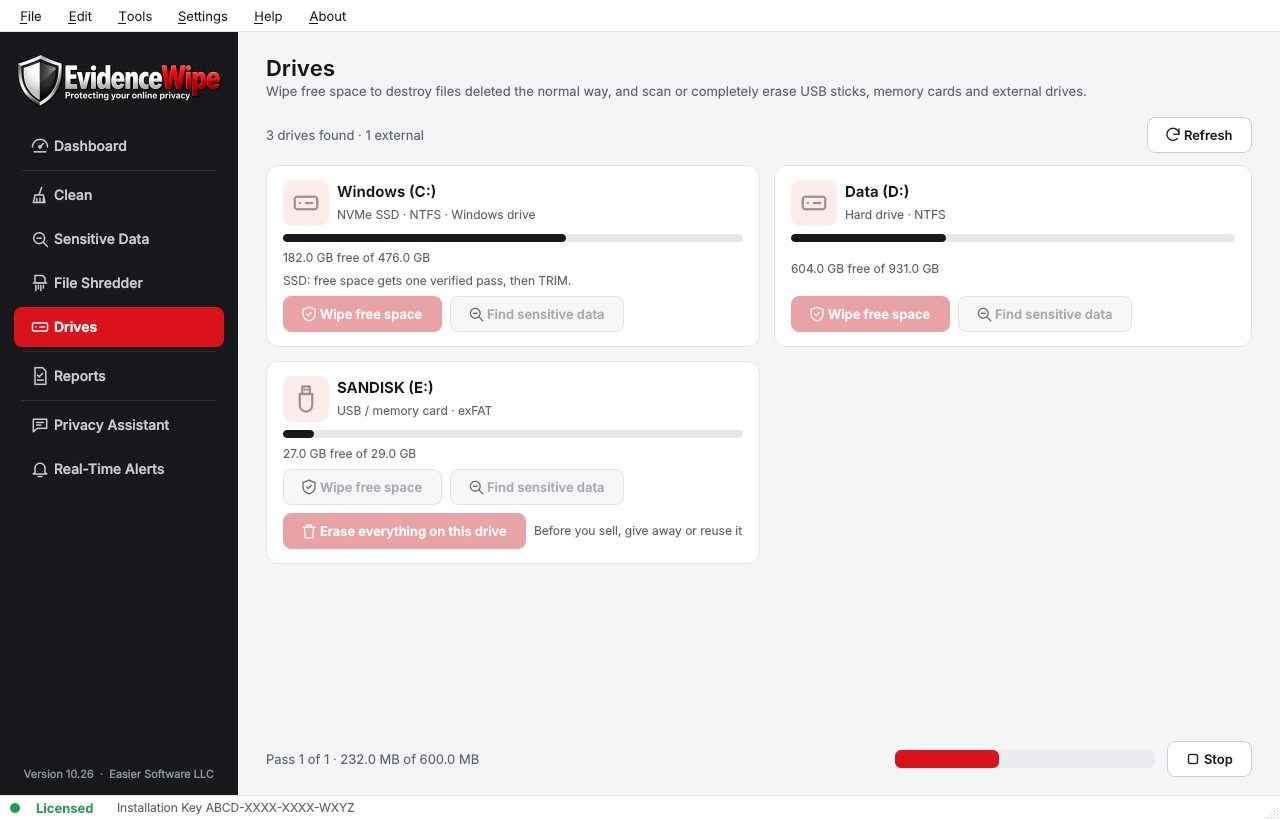
Why deleted files are still there
From the Evidence Wipe homepage.
- DeletingWindows only removes a file's name from the drive's index.
- The contentsStay on the disk until something overwrites them.
- Recovery toolsCan often bring back photos, documents and spreadsheets months later.
- Wipe Free SpaceOverwrites that space so there's nothing left to find.
Wipe free space in four steps
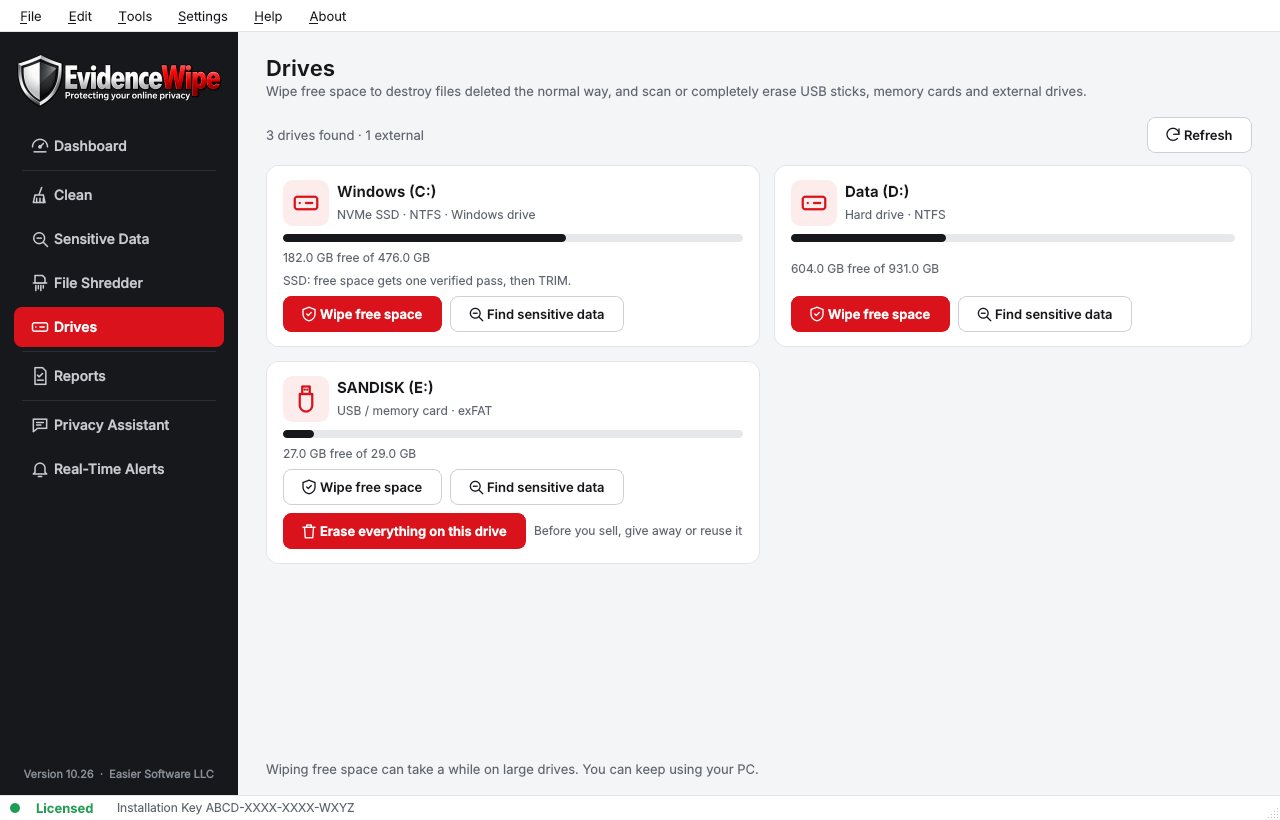
Open the Drives page
Every drive is listed with its type.
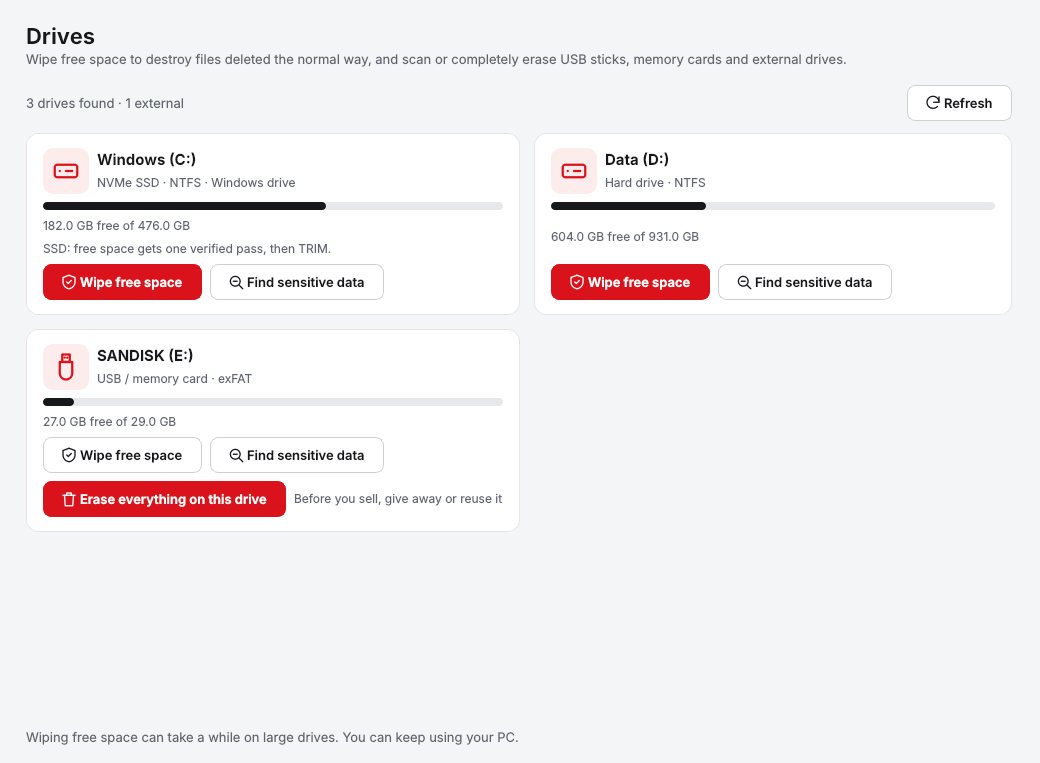
Choose Wipe Free Space
On the drive you want.
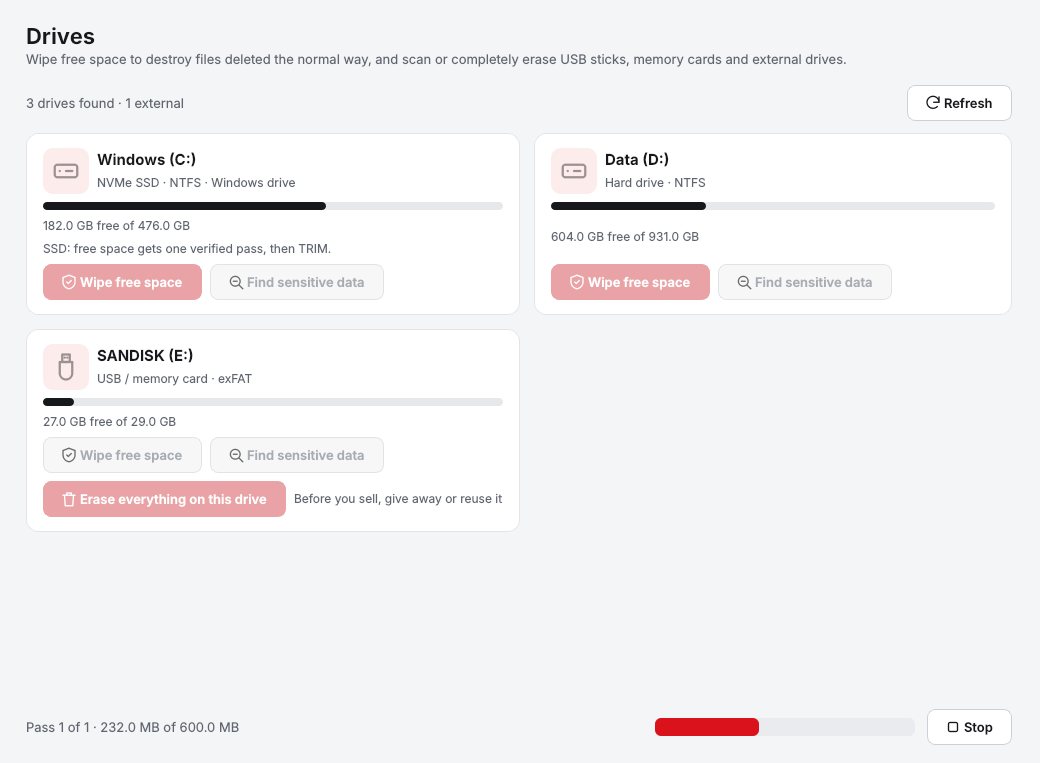
Let it run
The right method is used for SSDs and hard drives.
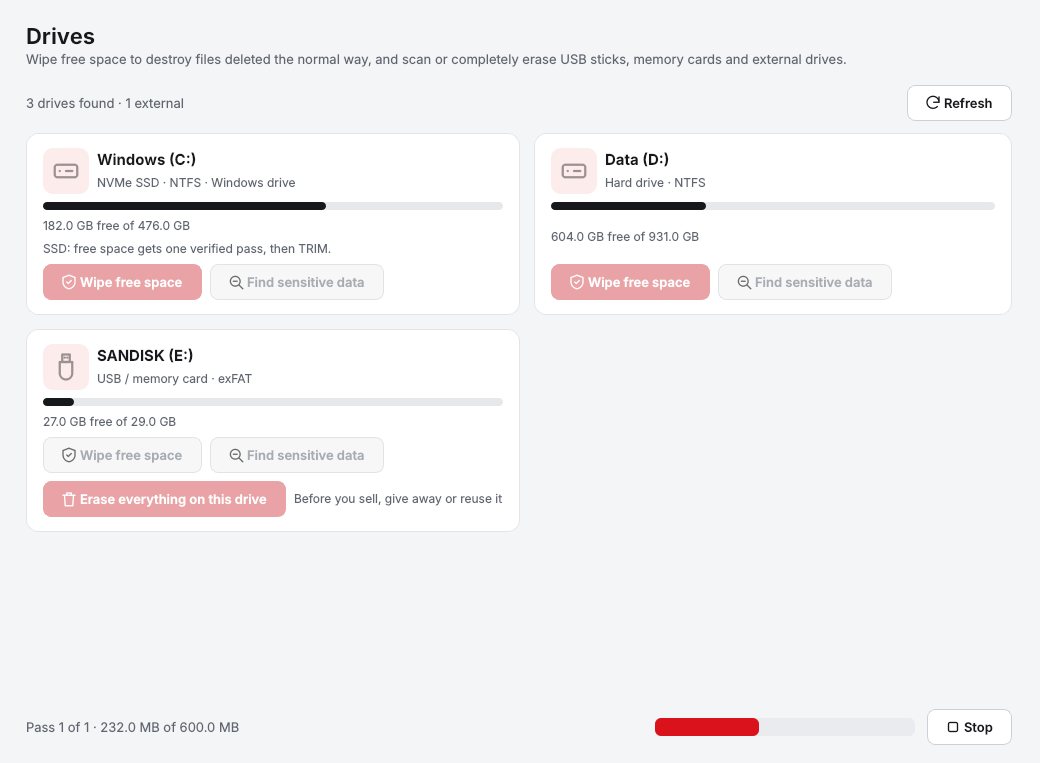
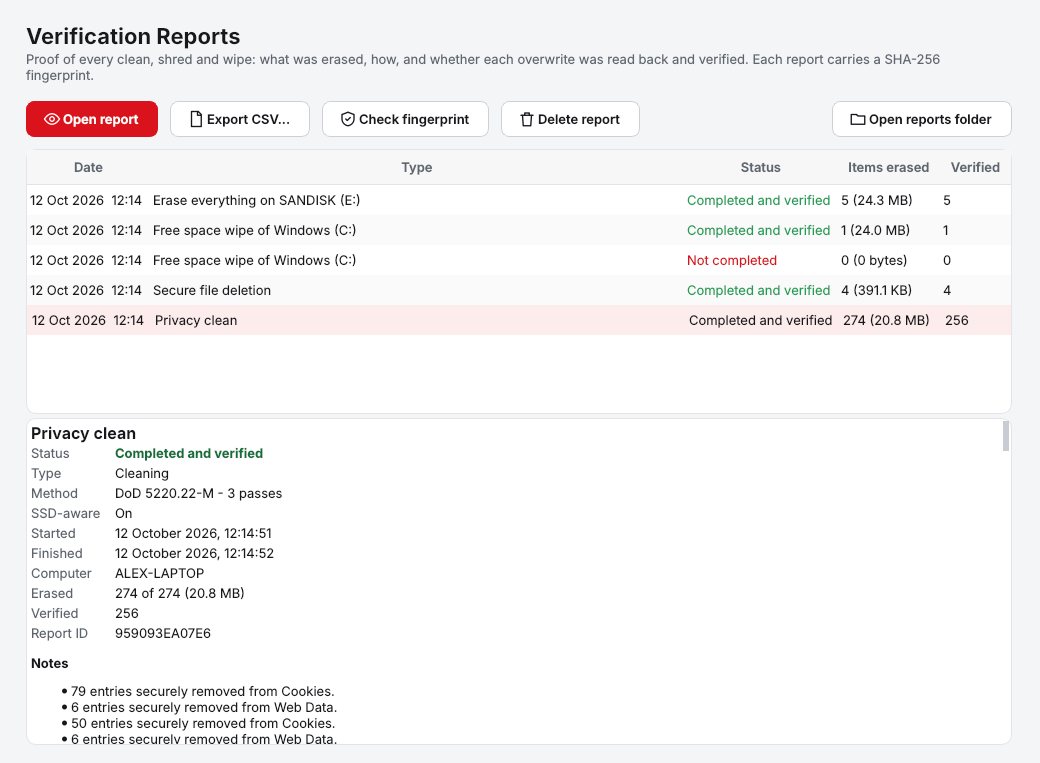
Keep the report
A verification report records what was erased, how and when, with a tamper-check fingerprint.
Every drive, with its type
SSD, hard drive or USB, each with the right method.
Why Evidence Wipe
Wipe free space
Overwrites the empty space on a drive so files you deleted in the past can't be recovered. Your current files aren't touched.
SSD-aware erasure
Detects SSD, NVMe, hard drive or USB and picks the method: a verified overwrite plus TRIM on SSDs, DoD 5220.22-M or Gutmann on hard drives.
Verification reports
Every clean, shred and wipe produces a report of what was erased, how and when, with a tamper-check fingerprint. Export to CSV.
External drives
Scan, wipe free space or fully erase USB flash drives, SD cards and external hard drives.
Who it's not for: Mac, Linux, iPhone or Android users. Evidence Wipe runs on 64-bit Windows 10 and 11.
One license. No subscription.
One-time payment · instant download
- PlatformWindows 10 & 11 (64-bit)
- FeaturesAll included
- UpdatesFree
- Activations1 PC
- Deliverydownload + key by email
Get Evidence Wipe
You'll go straight to your download page once payment is confirmed, and we'll email your download link and license key.
Buy license · $54.95Already bought it? Re-download or recover your key.